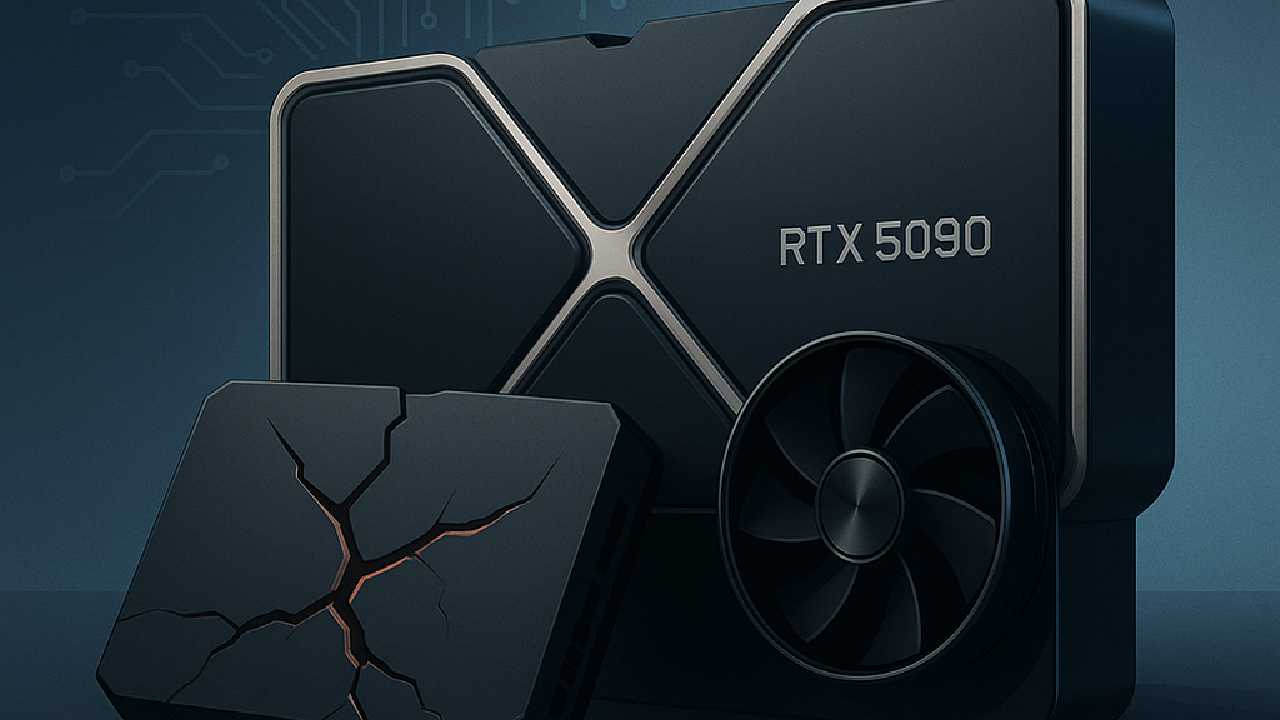
A New Flagship GPU Faces an Unexpected Problem
Nvidia’s newest flagship GPUs were meant to mark a clean leap into the next era of performance. Instead, early buyers are raising a different conversation—reports of rtx 5090 5090d bricked issues have quietly surfaced across forums, sparking concern about what’s happening inside some of the most powerful consumer GPUs ever built.
For many users, these cards represent months of saving or the heart of a long-planned PC upgrade. When a high-end GPU suddenly shuts down, refuses to boot, or goes dark after an update, the frustration goes beyond inconvenience. It feels personal.
And that’s exactly why the issue is gaining traction.
Understanding Why Some RTX 5090 GPUs Are Failing
This section explores what’s behind the early failure reports. While the majority of cards are running without trouble, the small number of affected users share surprisingly similar experiences.
What a “bricked” GPU actually means
A bricked GPU is one that no longer functions in any usable way. It may turn on, but it won’t display anything. The system may detect it, or it may not. Some failures happen after installing new drivers. Others appear during heavy workloads, suggesting the card was pushed into an unstable state.
A few users report the card failing immediately after a firmware or VBIOS update—one of the most common triggers for soft-bricked hardware.
Where the failure reports are coming from
Most of what we know today comes from:
- Reddit threads
- Nvidia and partner support forums
- Discord tech communities
- Early-adopter reviews
While the sample size is still small, the patterns are similar enough that many are now paying attention.
The Leading Theories Behind the Bricked GPU Complaints
This section looks at the most credible factors linked to the rtx 5090 5090d bricked issues. None have been confirmed officially, but several stand out.
Firmware inconsistencies
The earliest batches of any groundbreaking GPU often ship with firmware that needs refinement. A handful of users say their cards stopped responding right after applying a new firmware version. If the update gets interrupted—or if the firmware has bugs—it can leave the card in an unusable state.
Driver instability
New hardware and new drivers don’t always cooperate perfectly at launch. Some users described crashes immediately after updating to an early Game Ready driver. In a few cases, the update process itself may have triggered the failure.
Power delivery stress
The RTX 5090 demands tremendous power. Even premium PSUs can experience transient load spikes that momentarily drop output levels. When this happens during a sensitive operation—such as a driver install or intense workload—the GPU may stop responding.
Improperly seated 16-pin connectors also remain a recurring theme in user discussions.
Potential early-batch defects
Early production units sometimes show a higher rate of issues. This happened with the RTX 3090’s VRAM overheating cases and the RTX 4090’s connector melting problem. The RTX 5090 situation is different, but early-batch variation is not uncommon in the industry.
How Common Are the RTX 5090 Bricking Reports?
This section puts the conversation into perspective. It’s important to distinguish internet visibility from widespread failure.
Most users are not experiencing issues. In fact, the majority of RTX 5090 cards appear to be operating exactly as expected.
But the failures being reported share enough similarity that people are paying attention—especially those waiting to buy the new card.
A simple comparison shows how this fits into Nvidia’s launch history:
| GPU Model | Launch Year | Failure Trend | Most Cited Cause |
|---|---|---|---|
| RTX 3090 | 2020 | High | VRAM overheating |
| RTX 4090 | 2022 | Medium | 16-pin connector melt risk |
| RTX 5090 | 2025 | Emerging | Firmware and power instability |
The RTX 5090 is somewhere between “rare but notable” and “worth monitoring.”
What You Can Do If Your RTX 5090 Stops Working
This section offers practical steps for anyone experiencing instability or a possible soft brick.
Start with software checks
A few simple fixes help determine whether the issue is software-related:
- Clean-install drivers using a tool like DDU
- Try rolling back to a stable driver
- Boot in Safe Mode before re-installing
- Restore or reflash the firmware (only if guided by the manufacturer)
These steps sometimes revive a card that appears lost but still has functioning firmware.
Check hardware connections and power
Many issues resolve when users:
- Reseat the GPU in the PCIe slot
- Inspect the 16-pin cable for full insertion
- Test the GPU with a different PSU
- Ensure their system meets wattage requirements
The RTX 5090’s power draw pushes even strong systems to their limits.
When nothing works
If the card remains unresponsive:
- Start a warranty claim
- Provide crash logs or installation attempts
- Wait for the manufacturer to test the unit
Most partners will replace the GPU if it shows legitimate failure, especially within the early months of launch.
How Nvidia and Its Partners Are Handling Early Reports
While no formal statement has been issued, support teams from multiple AIB partners seem aware of the situation. Some have quietly recommended running only specific driver versions until newer updates roll out.
Nvidia historically responds quickly to launch-week issues—often through hotfix drivers or silent firmware improvements—so more clarity may emerge soon.
Protecting Your GPU While the Situation Develops
This section highlights steps that reduce the risk of running into rtx 5090 5090d bricked issues—simple habits that can make a real difference.
Use careful installation practices
- Ensure the connector clicks securely into place
- Avoid sharp cable bends
- Make sure the card is fully seated in the slot
Small mechanical issues can lead to major electrical problems.
Manage updates thoughtfully
Adopting new firmware or drivers the moment they drop is tempting, but waiting 48–72 hours often reveals whether other users experienced issues.
Invest in stable power delivery
A reliable PSU with strong transient handling reduces the chance of voltage dips. Many enthusiasts now consider 1200W the practical baseline for next-gen GPUs.
Is the RTX 5090 Still Worth Buying Right Now?
For many, yes. Its performance is unmatched, and the number of problematic units is still small enough that the issue appears limited.
But early adopters always accept a degree of risk. Some prefer to wait for firmware updates, driver refinements, or second-wave production batches before investing.
If your build is mission-critical—for work, for creation, or for a large streaming setup—waiting a bit might offer peace of mind.
A Final Thought
Every major GPU launch brings excitement, expectations, and unexpected problems. The stories around rtx 5090 5090d bricked issues don’t point to a widespread crisis, but they do raise fair questions for buyers. As more data comes in, and as Nvidia refines updates, the picture will become clearer.
For now, awareness is the best preparation. With the right setup, careful updates, and stable power delivery, most users should experience the performance boost the 5090 was built to deliver—not the frustrations of early-launch growing pains.